Current Students
Connect with Us
Phone or Submit a Ticket
Normal Availability: Monday-Friday; 7:30am - 6:30pm ET (closed for University holidays)
- Phone: (Local) 828.227.7487; (Toll-free) 866.928.7487
- Submit a ticket:
Please note: Voicemail and Submit a Ticket support are monitored daily after close until 9pm. Action will be taken on any priority issues affecting most of the campus. e.g. network outage. All other requests will be followed up on the next business day. For after-hours and weekend assistance, please consider walk-up support.
Walk-up Availability:
- Monday-Thursday; 7:30am - 9:00pm ET
- Friday; 7:30am - 7pm ET
- Saturday; 1pm - 5pm ET
- Sunday; 1pm - 5pm ET
Services for Students
Software Services
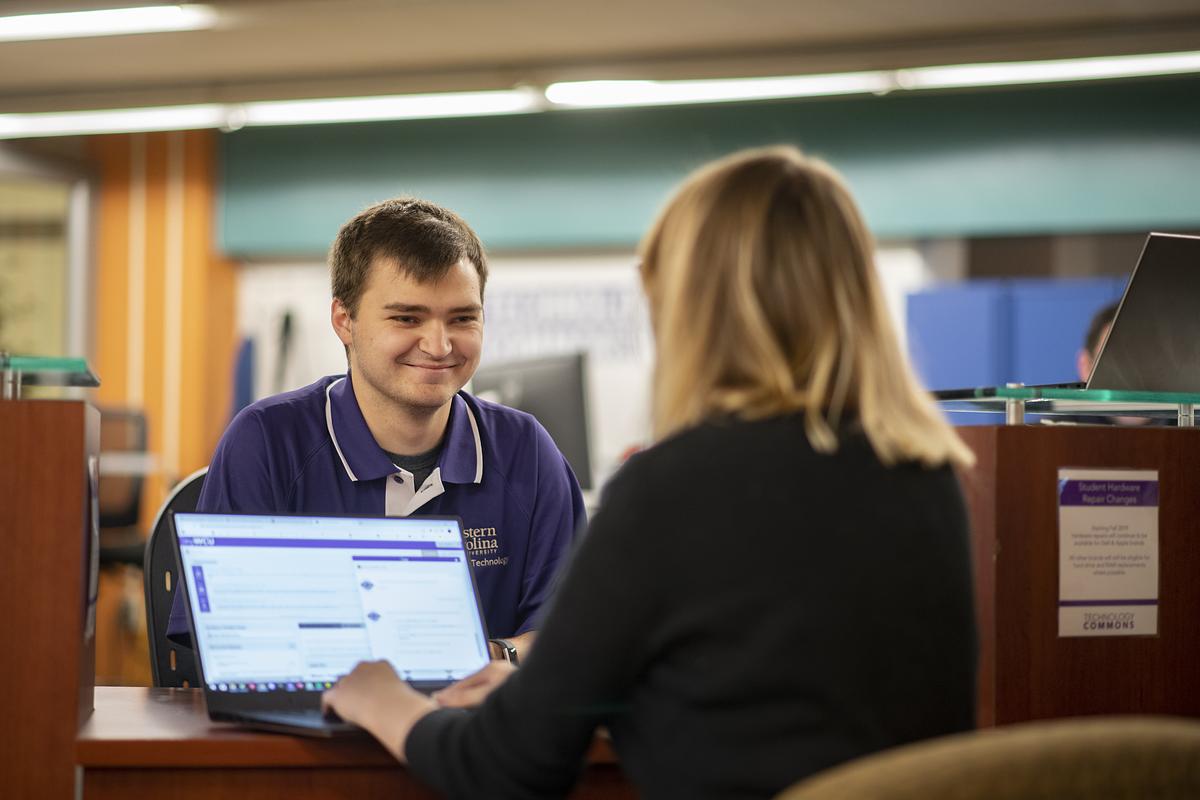
Students receive free help in the Technology Commons, including software installation, training, repair, and troubleshooting.
If your device requires intensive repair which may require additional time, loaner laptops are available.
Students also have access to specialized software, such as the Adobe Creative Suite, in the Technology Commons space as well as on our virtual environment.
Hardware Services
Warranty repairs for Apple and Dell computers, purchased through WCU's and websites and can be completed at the Technology Commons service desk.
Students can be provided with a loaner laptop while the repairs are being completed.
Other brands may be eligible for hard drive or memory replacement where possible, for a fee.
Email and Collaboration Tools
All WCU users have access to Office365, offering everything from email to collaborative teamwork.
You can log into your WCU Office365 email at , and you can install Office365 on your personal device by following our Device Setup Guide.
for conferencing, webinars, classes, interviews, and more.
Wireless Services
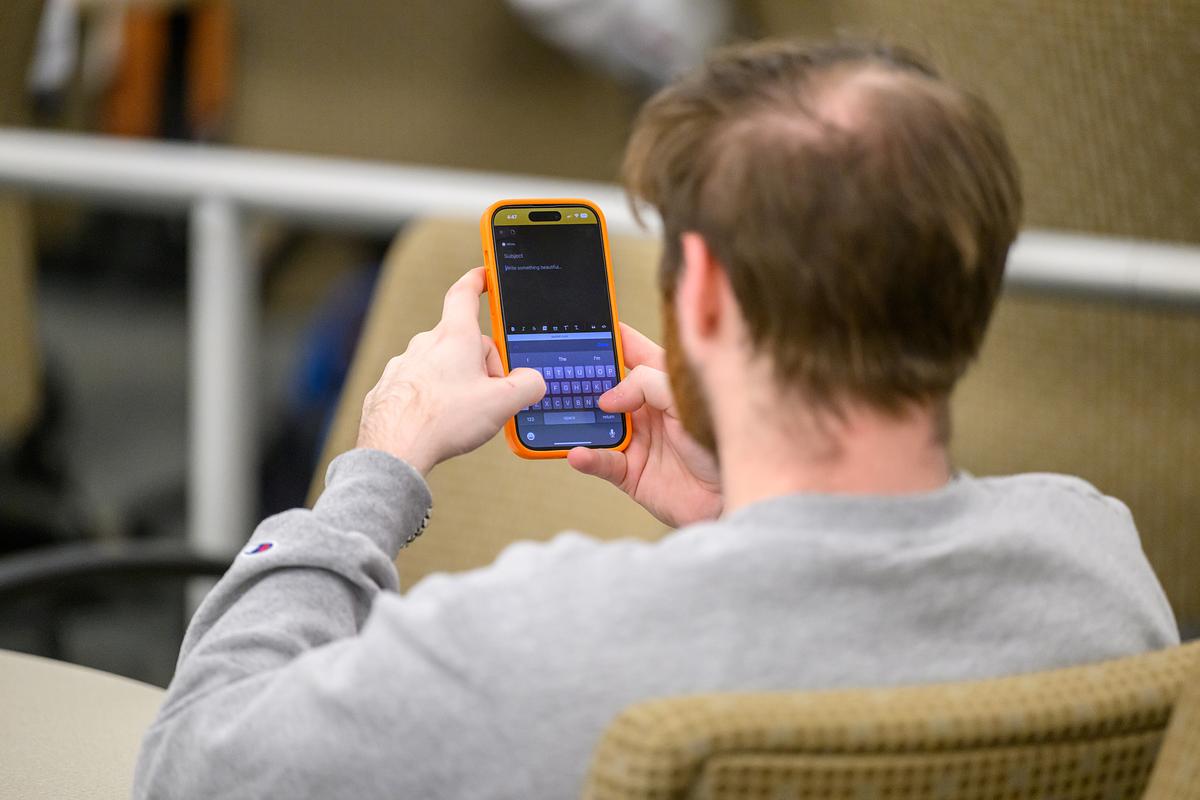
The Technology Commons staff can provide help with connecting to the or wired network.
Our staff can also assist in connecting gaming or streaming devices to the WCU-Media network in residence halls.


Additional Resources
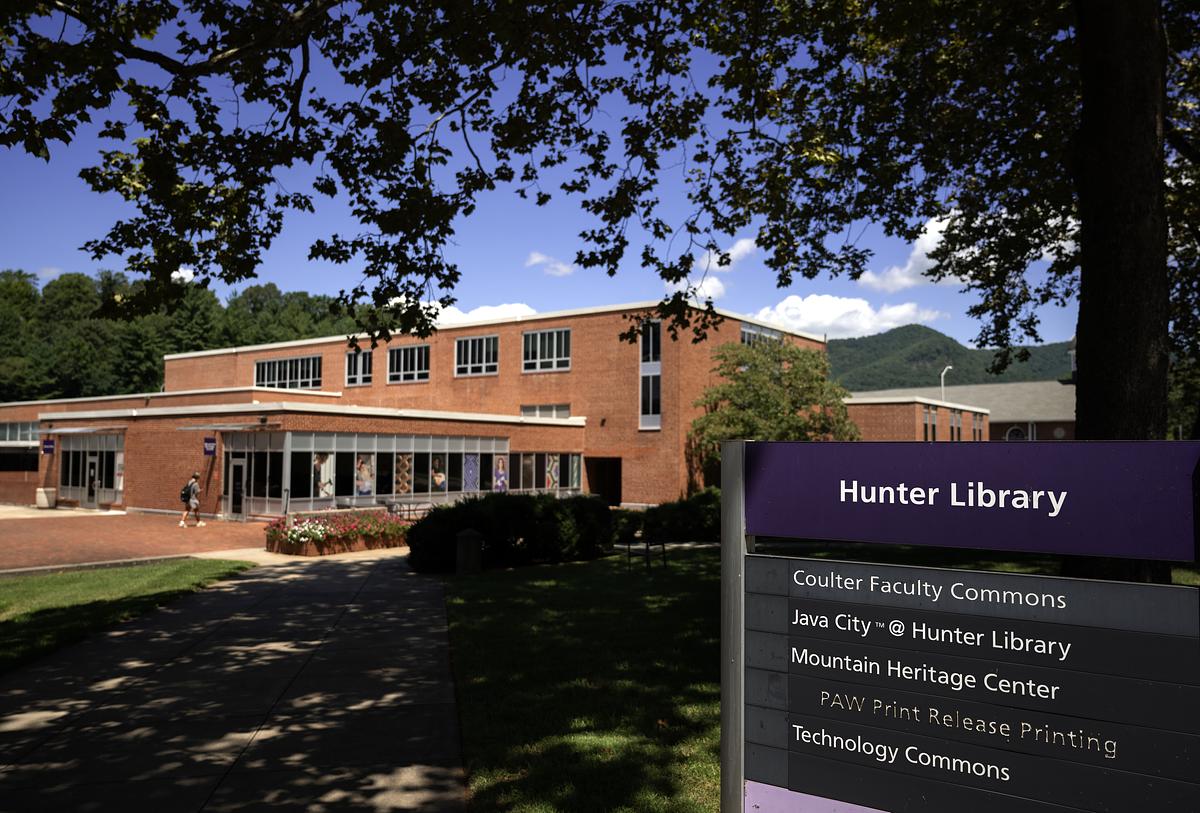
The Technology Commons has equipment for students, faculty, and staff to checkout including cameras, projectors, and laptops. Equipment is checked out, reserved, and/or returned at the Technology Commons desk, located on the ground floor of Hunter Library. To reserve equipment online, visit .
Need help setting up ?
Whatever your WCU-account-related questions are, we can help!